
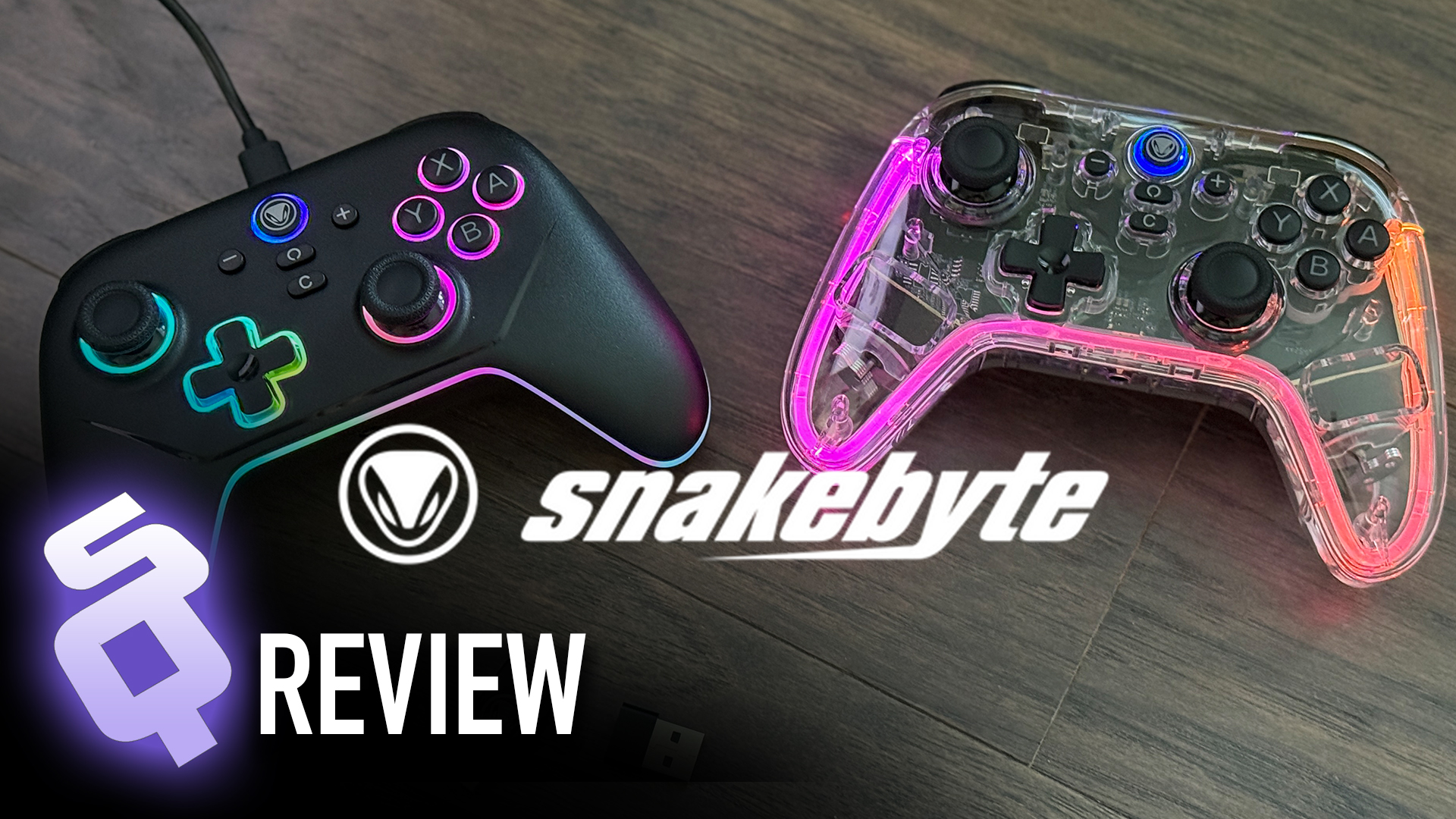
snakebyte delivers a new set of stylish products to kick off the Switch 2’s New Year
The Switch 2 has only been around for half a year, but it’s developed quite the collection of accesories. We’ve looked at snakebyte’s stuff before but the latest drop includes some new controllers and chargers, and based on how electronics prices are heading up in the world it may not be a bad idea to look at these value products now.
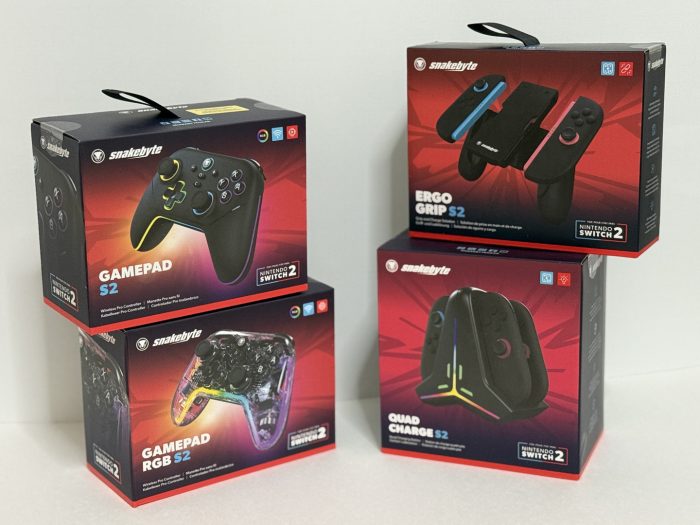
Gamepad S2
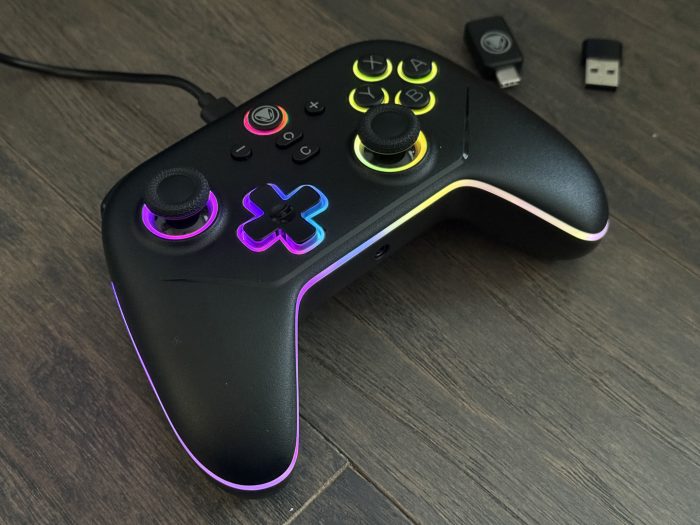
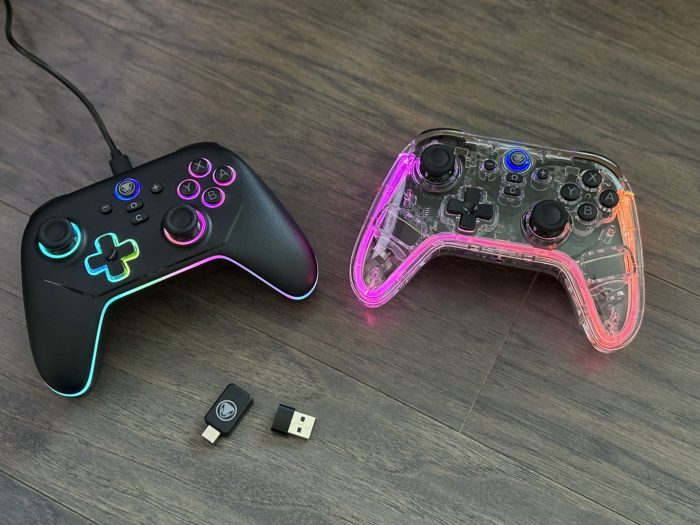
The Gamepad S2 is a real interesting product. Nintendo’s own Pro Controller is a terrific product, one of the best — if not *THE* best — game controllers available, so topping it is nigh impossible. While snakebyte’s Gamepad S2 doesn’t match that level, it does manage to bring some of its own magic. The first thing we angle towards is its clean, mature design. It’s simple, with soft forms that are comfortable to hold. It doesn’t feel too small, either. It has a good weight, with a simple grain on the front but a nice grippy texture on back.
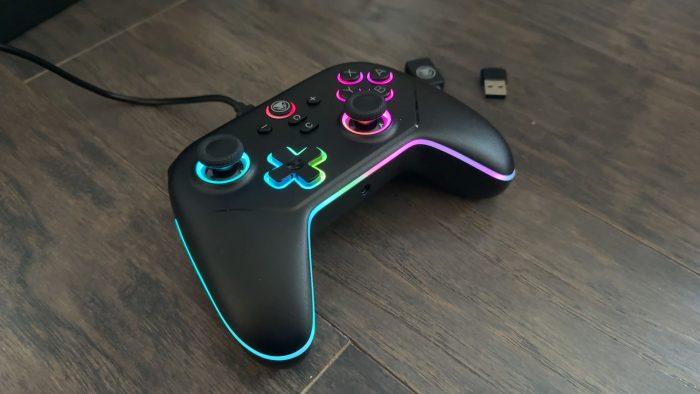
And then the lights. Woooohooo the lights! The LEDs are striking, and look really nice against the black. There are a lot of them, but they’re meant to outline the forms rather than be in our face. The colors are somewhat programmable, meaning that we can select from a few and make them pulse & adjust their intensity. They’re not reactive to anything and are just for personalization, but the presentation makes the controller look gorgeous, although it does sort of drain the battery a bit more.
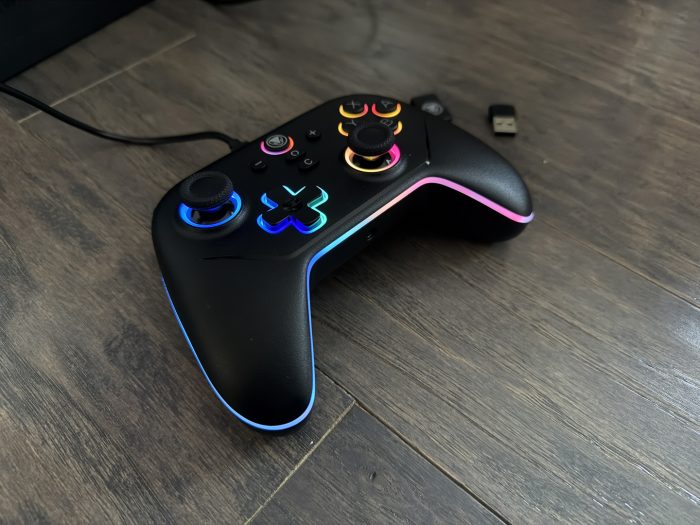
The Gamepad S2 utilizes Hall effect joysticks, and they feel great. In my coupel of weeks of use they continue to feel solid and snappy. The face buttons stick out just enough where we know we won’t accidentally slide over one, and are soft and plush to the touch. We probably will accidentally activate the rear buttons, as I do almost all the time. They’re flush to the surface and too responsive, but thanks to a couple of switches we’re able to lock them out. They’re fully programmable, like they are on the actual Switch 2 Pro Controller, but the placement and flushness here isn’t optimal. There are similar switches at the top of the back that let us convert the R2/L2 buttons between analog and digital. This is more for feel rather than function, since the Switch 2 doesn’t utilize analog shoulder taps, but having that preference is a nice touch; they really do feel different when pushed. Then there’s the Turbo button. The button is right in the middle of the lower back of the controller, next to the rear switches, and feels like a weird location because I regularly turn Turbo on and off in games depending on the situation and we really can’t do that here. We need to contort our hands into claws to do several things at once. This extends to how we change the colors of the lights, too, as we have to hold that button down and then press other buttons and sticks to make our color selections. It’s a bit tedious, especially if we’re a little lower on mobility, even if we’re only ever doing it when we’re outside of a game.
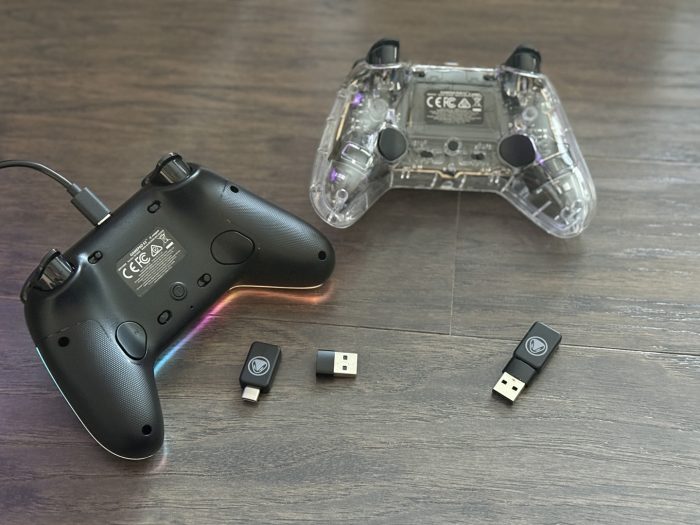
The buttons have some strange labeling, too. They don’t match match the actual Switch; ZR is labeled R2, for instance, and the non-action buttons don’t match are completely new, so it takes a minute to understand what we push to capture and what for gamechat. Maybe Nintendo wouldn’t let snakebyte use the actual icons, but I do feel like they could have put a little more effort into the graphics.
There are a couple of missing features, likely also related to Nintendo. There’s no NFC reader (sorry, amiibo fans) and no noticeable HD rumble, just regular vibration action. And there’s no gyro, so we’re facing a decontented situation when it comes to some games where these features might be important, like Splatoon 3.
But those are small issues that are overlooked compared to the connectivity problems.
It starts with the necessity for a USB-C wireless dongle. Yes, we can plug our controller in with a USB cord, but we’re rarely sitting that close, unless we need to charge a controller while we play. The dongle is easy to lose, considering we hop back and forth between docked and handheld modes. Nintendo has been exceptionally bad with their OS updates, and many third party accessories won’t function well, which is a concern here. A sticker on the box tells us that we have to update the controller firmware right away in order to use it on the console, and that is a bit more complex than it needs to be. Not only do we have to update the controller but the dongle as well, separately, in a specific order, and only with a PC. I was away from the house and only had my Macbook with me, so I had to borrow a relative’s Windows laptop to download the EXE files and get the updates done. Even then, registering the controller the first time requires plugging it into the Switch 2, and if we ever seem to plug it in again it loses its ability to wake the console from sleep, so I have to turn the Switch 2 on first and then the controllers. The controllers also keep losing connection at various points of playing, so I’m regularly kicked out of a game and back to the Switch 2’s home screen. Another major concern is the input lag. OOF. BIG OOF. It’s miniscule, but just enough to be noticeable for more core gamers. I reckon my 11 year old nephew won’t care, but friends this is not good when playing Smash Bros or Street Fighter 6 in online competition. I don’t know if any of this is snakebyte’s fault or Nintendo’s shifting updates, but it’s not fun.
A small but appreciated note: The packaging is all paper and cardboard, which while it may feel kind of cheap it’s actually nice and fully recyclable, so we can take the controller out and just throw everything else into the recycling bin. You do use a recycling bin, don’t you? Anyoo, it’s nice to be green.
The Gamepad S2 is a great feeling controller, but it’s hitting some unfortunate, unenjoyable snags in some critical areas. At least those lights are pretty sick. I’ve had the controller plugged in to the wall just to remind me of the old, amazing Wii Blue Light days.
Gamepad RGB
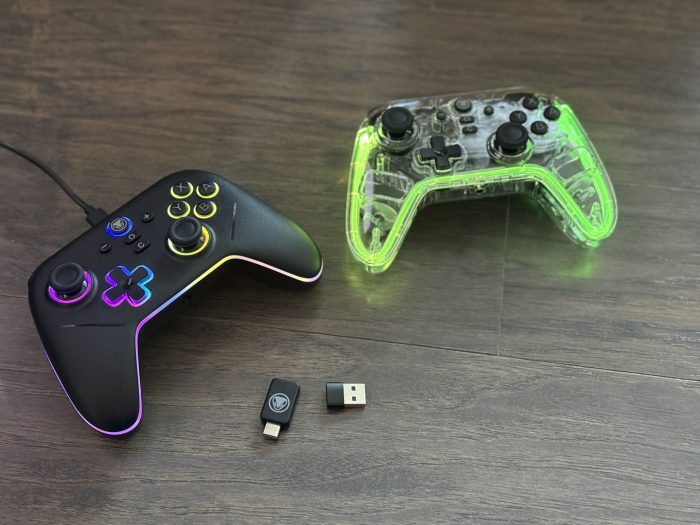
Snakebyte sent us their other debut Switch 2 controller, the Gamepad RGB (or Gamepad Pro RGB, depending on where we look on their website). It’s much the same as the S2, but the big difference is that it’s clear and the internals are there for us to ogle. From circuit boards, to switches, to the beauty of a whirring rumble motor, it’s all out in the open.
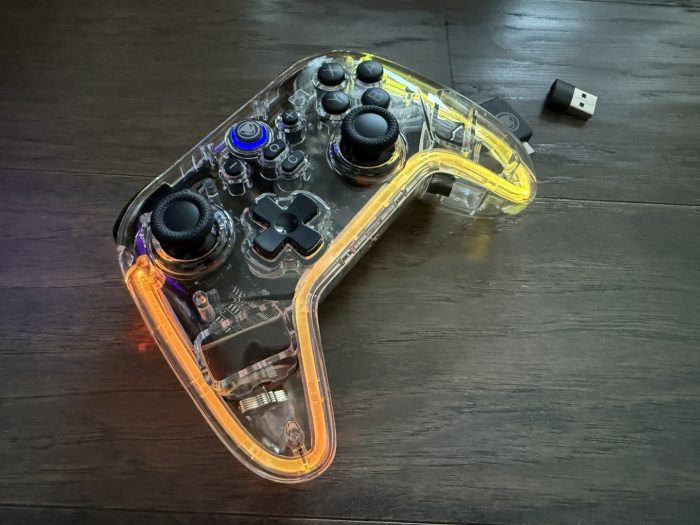
But, like, it’s not as sexy as the S2. The plastic is glossy doesn’t have a texture on it and can get greasy very quickly with oil from our hands, so if feels as if it’s less pristine than the matte black controller. It also doesn’t have all of the same lights as the S2, settling for just a perimeter light pipe and one around the Home button. They’re customizable, but still require a bit of ambidexterity to make the selections. Granted I’m comparing the two controllers to each other, which shows my personal preference; clear plastic is back in fashion these days, but yours truly isn’t the biggest fan of it.
The same connectivity issues are here, too, which doesn’t bode well for now. If Nintendo can get its OS issues together then both of these controllers might have some strong improvements. I’ve been using them on the Switch 2 for review, but also tested on the Switch (they work fine with some USB adapter needs for the dongle) and on PC.

Ergo Grip S2
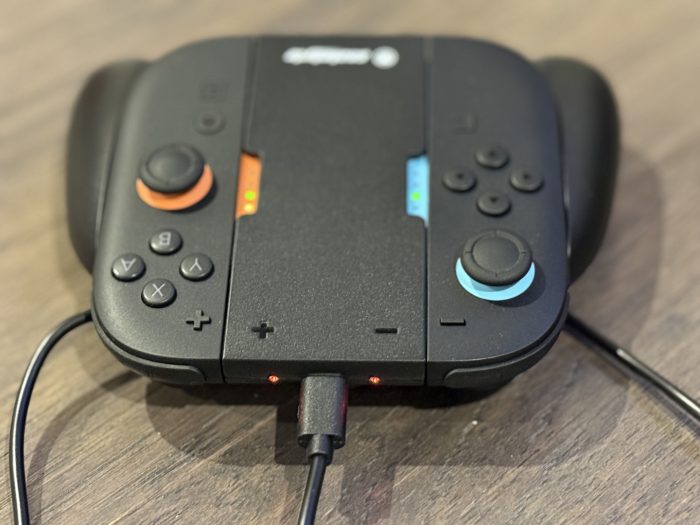
If there’s one thing that the Switch 2 doesn’t quite wow us with it’s their Joy-Con Grip. The packaged accessory is fine for attaching the two Joy-Con to to convert it into a slightly more traditional controller, but we can’t charge them while in use. Snakebyte’s Ergo Grip S2 allows us to plug a USB-C cable into the top while we have the Joy-Con loaded in to charge. I never knew how much I needed a feature like this, even though it’s been available since the original days of the Switch, but I’m all in now.
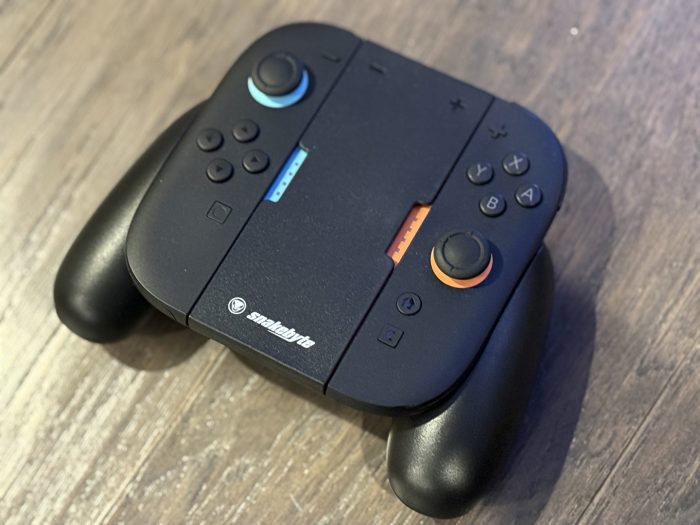
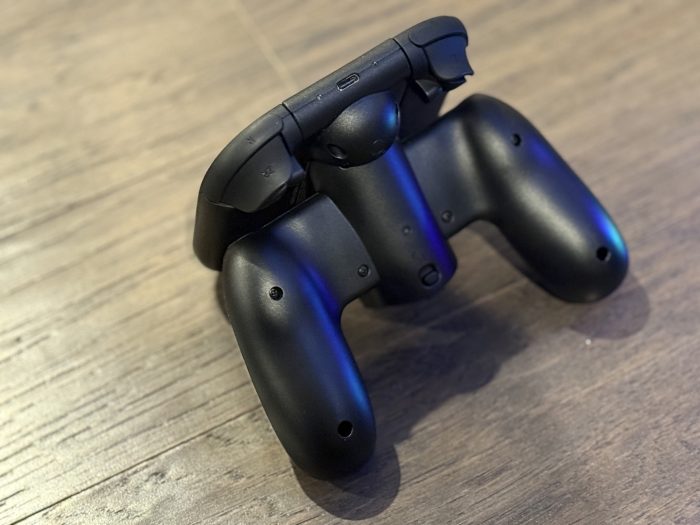
An advantage of snakebyte’s version is that it also gives us the comfortable “bumps” in the back behind the Joy-Con. These mounds fit nicely in our palms and make the entire thing feel a bit more premium. The Grip S2 opens on a hinge to let us load and unload the Switch 2’s Joy-Con, but they feel firmly locked in when they’re there. Nice.
Quad Charge S2
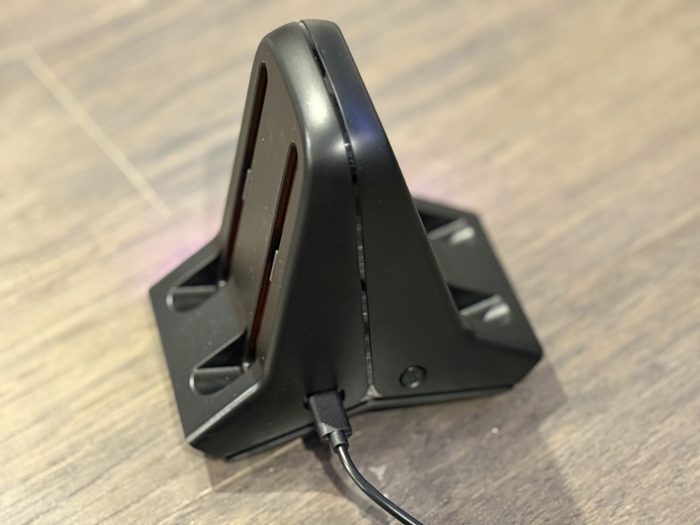
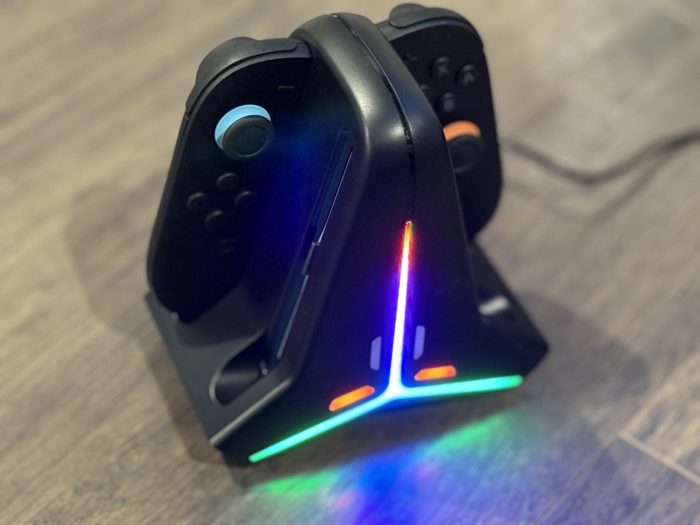
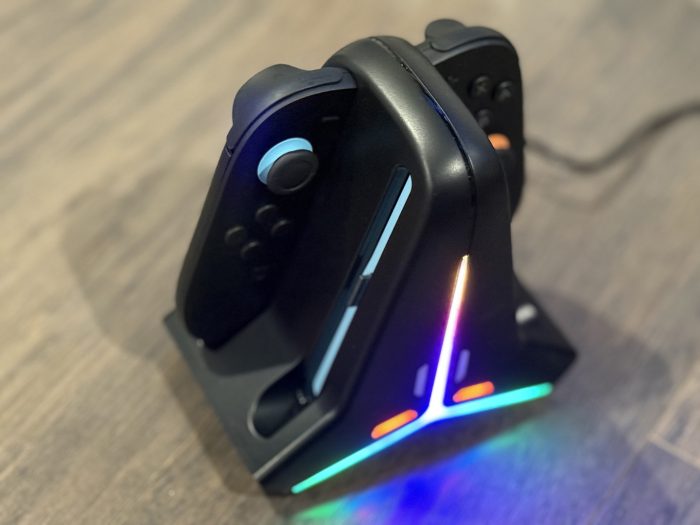
Finally, snakebyte sent along the Quad Charge S2 charging station. This 4-slotted device lets us plug in two Left and two Right Joy-Con 2 (for whomever can afford a second set right now) to charge, complete with some great lights that sparkle and glow when the controllers are plugged in. They’re bright, too! They can and do light up my living room at night when I have the Joy-Con popped in. A little overkill in design? Sure. But taking a mundane thing like a charger and adding some personality to it is great in my book.
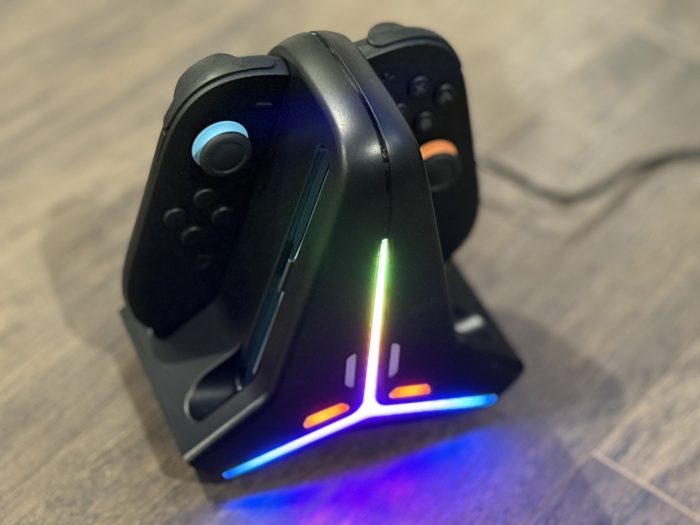
The actual charging surfaces are a little angled, which is a nice human factors touch to let us drop the controllers in a little more easily than directly from the side. We can only do 2 left and 2 right controllers, which might not seem like an issue right now but when Nintendo eventually does gift us with many more color variations then we might be fighting for spots to charge them. If we have three left Joy-Con and one right Joy-Con then we’re stuck waiting. Maybe there’s a way with a future version to make something like this a little less side-specific, but until that day comes (which may be a couple years off, knowing Nintendo) then I reckon this isn’t going to be too bothersome.
This review is based on products sent to SideQuesting by the manufacturer. All images are copyright SideQuesting | Dali Dimovski.


No Comments